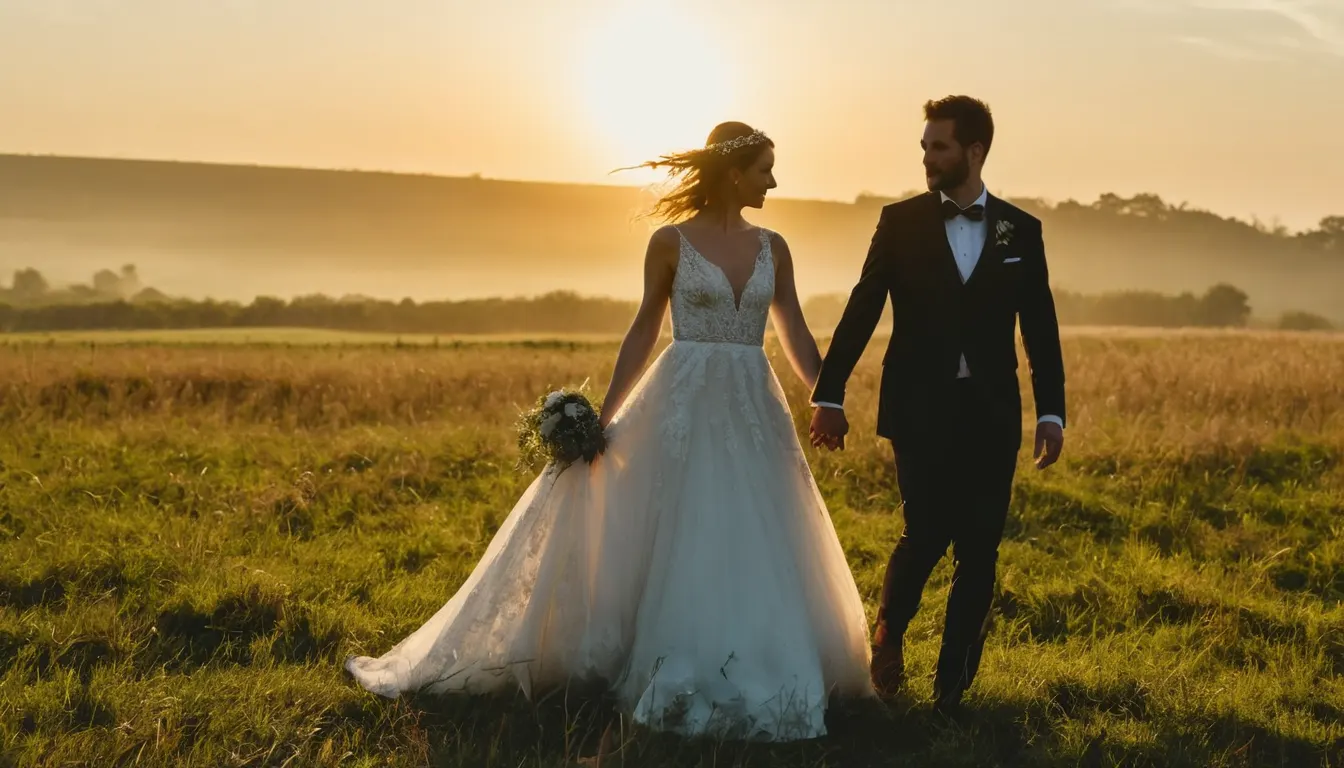
A wedding highlight film is short, music-led and non-linear. It doesn’t retell the day in order. It picks a spine, usually the vows, a letter read during getting ready or a line from a speech, and hangs the best images off it. Two editors with the same footage can produce very different films, so outsourcing a highlight starts with your style before anyone opens the footage.
Music-led and non-linear. Vows, letters or speech audio carry the story over the best moments of the day.
Cut from the approved highlight so the look and music match, then reframed for vertical without cropping faces.
Writing a style brief for a highlight film
Before any footage moves, the editor needs to understand how your films feel. A useful brief includes:
- Two or three of your own reference films that you consider typical, which may not be your favorites.
- Pacing notes: how long you hold a shot, whether you cut on the beat, how much slow motion you use.
- Your audio approach. Do vows and speeches run over the music, or does the music drop out for them? Do you keep natural sound under the song?
- Opening and closing habits, such as a cold open on a line of dialogue, a title card, your logo sting or an end card with your branding.
- Things you never do: certain transitions, effects, text styles or shot types.
Building the audio story
Most highlight edits start in the audio. The editor listens through the vows, letters and speeches and pulls the lines that carry meaning on their own. Clean audio makes this possible. A lavalier recorder on the officiant or one partner, plus a feed from the DJ or venue for speeches, gives far more usable lines than camera audio alone. Tell the editor which recorder sat where so they don’t waste time matching sources. The footage handoff guide suggests how to label audio folders.
Music edits in a wedding highlight
Highlights are cut to music you have licensed for that film. The editor trims and restructures the track to fit, matching the build of the song to the build of the day. If your license allows edits and stems, say so. Stems make it easier to lower a melody under dialogue without ducking the whole track. If you want two or three track options considered, send them all at the start, because swapping music after the first cut usually means a re-cut. Revisions and music licensing explains where that line sits.
Color grading and finishing
If you shoot in a log or flat profile, send the LUT or a graded reference still for each camera. The editor applies your base look, matches cameras to each other and corrects for mixed lighting such as tungsten receptions and window light. Skin tones come first. Heavy creative grades, beauty work or sky replacement are extra work and should be agreed in scope.
Wedding teasers and vertical social cuts
Short teasers and vertical social cuts are best made after the highlight is approved, so the music and grade carry over. Vertical versions need reframing as well as cropping. Shots framed wide for 16:9 often lose faces at 9:16, so the editor picks other shots or pans within the frame. Say in your brief which platforms you post to and which aspect ratios you need.
Highlight film scoping checklist
- Target length range for each deliverable in your packages.
- Whether the highlight includes title text, names and date, or none.
- How many tracks per film, and whether stems are available.
- Output resolution, frame rate and whether you need a 4K and a web version.
- Number of revision rounds included.
Highlight film editing questions
How long should a wedding highlight film be?
Your packages set the length. Highlights are often a few minutes long, and the target range for each deliverable belongs in your brief.
Can the highlight be pulled from the feature film?
Yes. Some studios cut the feature first and pull the highlight from it, and others do the reverse. Say which order you prefer.
When are teasers and vertical versions made?
Usually after the highlight is approved, so the music and grade carry over to the shorter cuts.
Send us a sample wedding and your package list, and get a written scope and quote back.
Request an edit quote