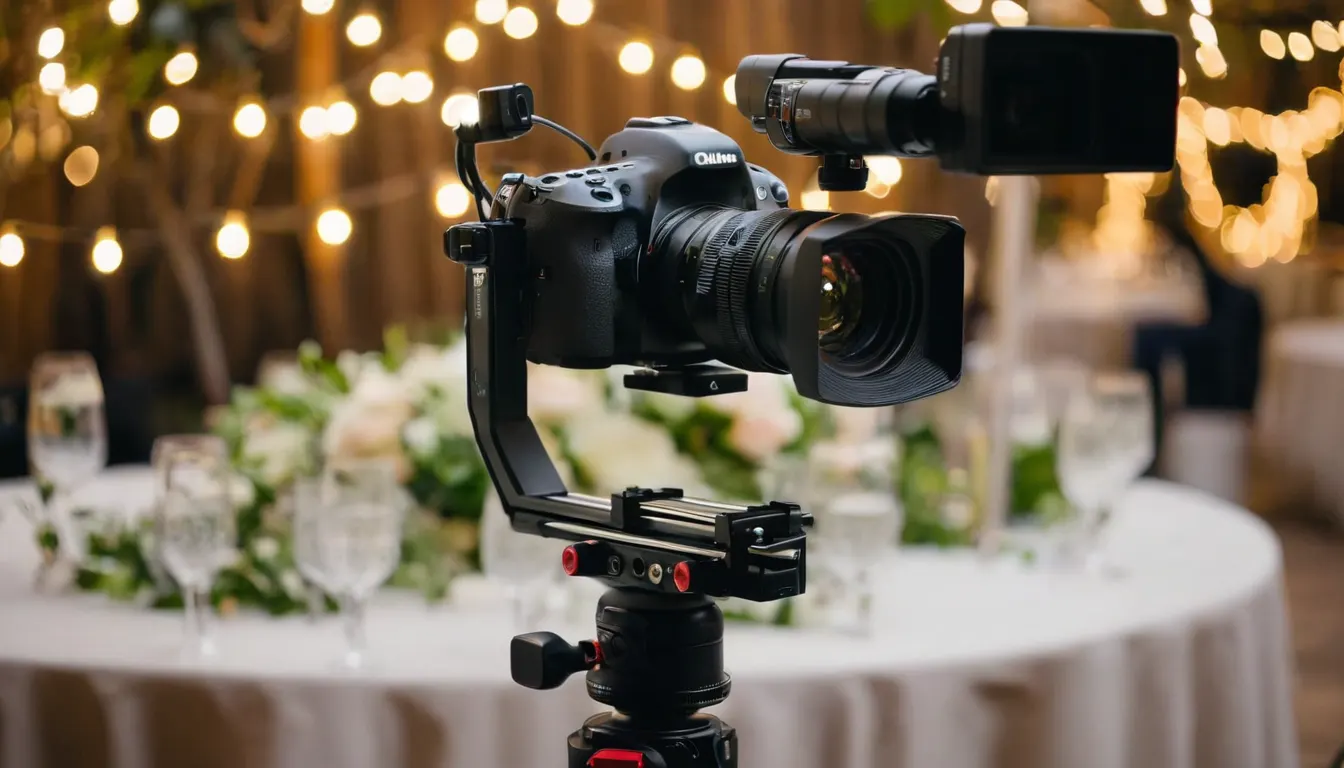
Couples keep full ceremony and speeches edits for the long run. A grandparent’s toast and the exact vows matter more here than pacing. The work is mostly technical, which makes it the easiest part of a wedding to outsource cleanly once your files are well organized.
Mostly chronological. The ceremony and speeches are cut down to their strongest parts, and natural sound stays in wherever it works.
Real time and multicam, with angle switching, synced clean audio and a light color match. Only the dead air before and after is cut.
Each speaker runs in full, with angle changes for reactions and room audio balanced against the lavalier or desk recorder.
Multicam sync for wedding ceremonies
A typical ceremony has two or three cameras rolling plus one or more separate audio recorders. Editors usually sync by audio waveform. That works well when every camera recorded scratch audio, and it struggles when a camera recorded none or a recorder was paused. You can help the editor by:
- Keeping camera audio on, even if it’s poor, so there’s something to sync against.
- Naming folders by camera and position ("A-cam aisle", "B-cam balcony") as well as card number.
- Noting any gaps, such as a camera that stopped during the readings or a recorder that ran out of battery.
- Sending the full, unedited audio files instead of trimmed exports.
The footage handoff page has a folder structure that keeps cameras and recorders apart.
Choosing angles in a ceremony or speech edit
In a full ceremony edit, show who is speaking, cut to reactions when they help, and stay on a wide when nothing else works. Tell the editor if you prefer longer holds or more frequent switching. For speeches, one camera usually stays on the speaker and another on the couple or the room. Good reaction shots often make a speech edit worth watching twice.
Wedding speech audio cleanup
Speech audio decides whether a long-form edit works. Common jobs include balancing a lavalier against the room mic, removing hum from a venue PA feed, reducing wind on outdoor ceremonies, and levelling quiet and loud speakers so the couple doesn’t have to keep adjusting the volume. Some problems can’t be fixed, like a clipped recording or a speaker who never got near a mic. The editor should flag these early and say so plainly.
Feature and documentary wedding films
A feature film sits between the highlight and the full edits. It’s usually chronological, with the ceremony and speeches cut down to their strongest moments and natural sound kept wherever it works. Your brief should say how much of the ceremony to keep, whether music runs under speeches, and how you open and close. Many studios make the feature first and pull the highlight film from it, and others do the reverse. Say which you prefer.
Delivery formats for long-form wedding films
| Output | Common use | What to specify |
|---|---|---|
| H.264 or H.265 MP4 | Online gallery, couple download | Resolution, bitrate or target file size |
| ProRes or DNxHR master | Studio archive, later re-exports | Codec flavour, whether you want it at all (large files) |
| Chaptered file | Long ceremony and speech films | Chapter names and where they fall |
| Project file | Your own later changes | Software version, how media should be relinked |
Ceremony and speeches editing questions
Is anything cut from a full ceremony edit?
Usually only the dead air before and after. The ceremony runs in real time, with angle switching and synced audio.
What if a camera stopped recording partway through?
Note the gap when you send the footage. The editor can cover it with the other angles, as long as they know where it falls.
Can an editor fix a clipped speech recording?
Not fully. Clipping and a speaker who was far from any mic are limits of the recording. The editor should flag these early so you can decide how to handle them.
Tell us how many ceremonies and speech edits you have waiting and what you shoot on, and get a scope back.
Request an edit quote